 01 / Contact & Inquiry Forms
Contact & Inquiry Forms
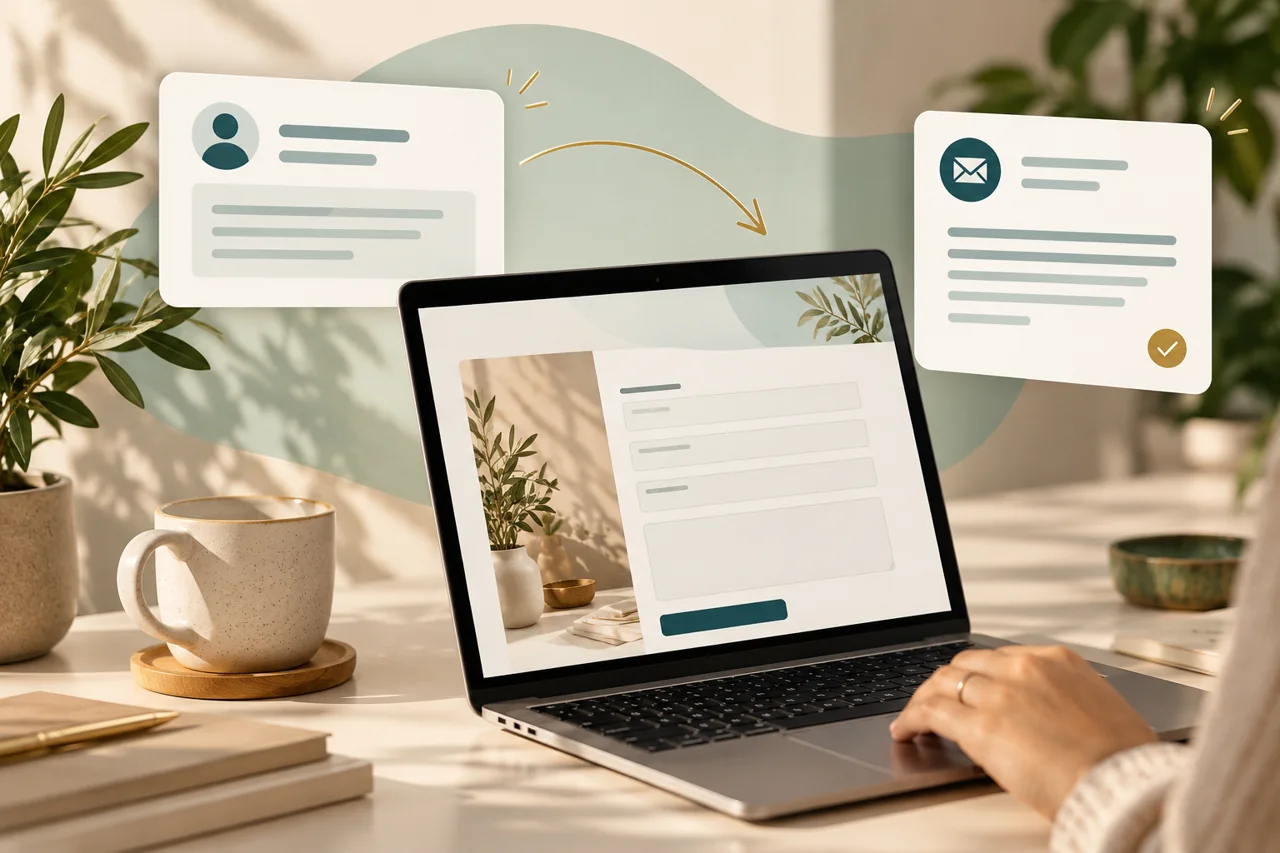
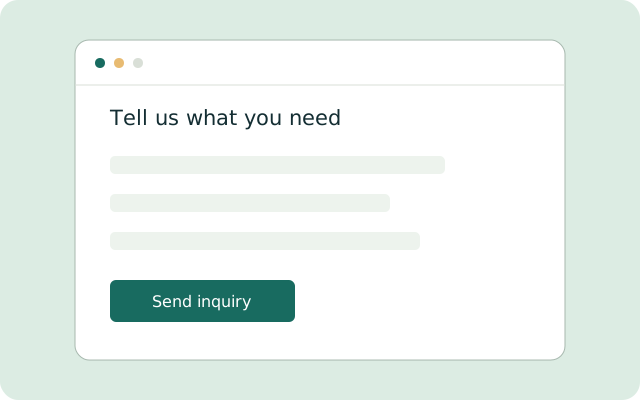
Collect customer contact information, service requests, and project details through a form tailored to your business. Receive organized inquiries and email notifications so your team can review and respond.
- Ask questions specific to your services
- Collect the details your team needs before responding
- Send new inquiry notifications to the right inbox
Compatibility: We review your website platform, form delivery options, and available access before setup.
Explore contact & inquiry forms  02 / Photo Upload Forms
Photo Upload Forms
Let customers submit photos alongside their inquiry, giving your team more context before the first conversation. Useful for repair requests, project assessments, and other services where pictures help explain the work.
- Receive photos and project details together
- Agree on file types, upload sizes, and photo limits
- Choose how your team receives and reviews requests
Compatibility: Photo storage, access permissions, and upload limits depend on the selected form and storage tools.
Explore photo upload forms 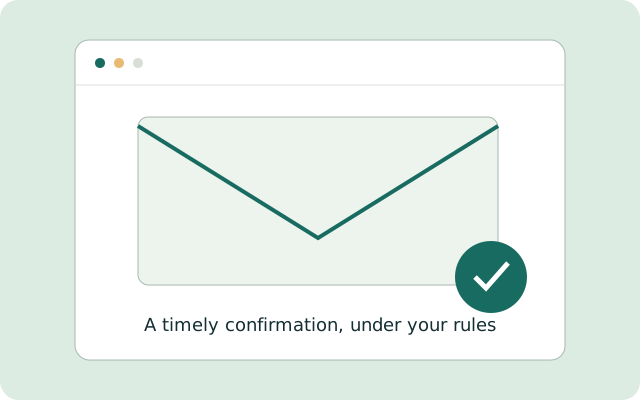 03 / Email Automation
Email Automation
Send inquiry acknowledgments, confirmations, reminders, and simple follow-ups using rules you approve. Keep customers informed and reduce repetitive email tasks.
- Acknowledge a new inquiry automatically
- Send confirmations and reminders at agreed stages
- Use approved messages and follow-up rules
Compatibility: Requires compatible email or customer communication software and an available integration. We confirm sending rules and tool limits before setup.
Explore email automation 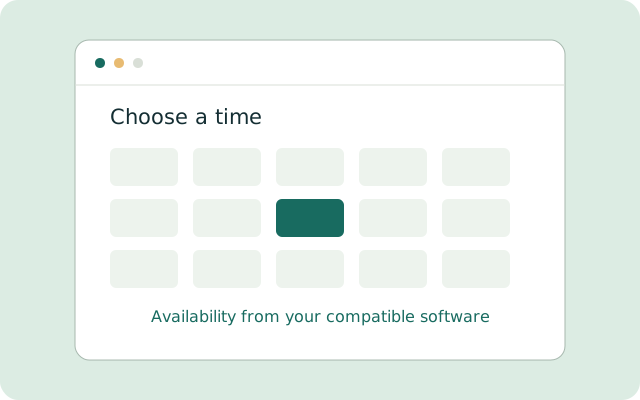 04 / Appointment Scheduling
Appointment Scheduling
Help customers view available times and request or book appointments. Depending on your scheduling software’s capabilities, the setup may also support confirmations, reminders, cancellations, and rescheduling.
- Let visitors request or book available appointment times
- Connect supported availability and booking rules
- Add confirmations, reminders, and rescheduling where supported
Compatibility: Requires compatible scheduling software and an available integration. We confirm compatibility before setup. Not every calendar or scheduling system supports every feature.
Explore appointment scheduling 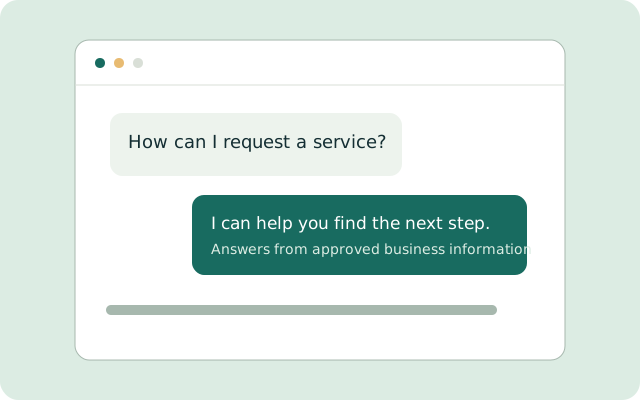 05 / AI Website Chat
AI Website Chat
Give visitors a convenient way to ask questions about your services, process, and other business information you approve. The chat can guide visitors toward an inquiry or booking and direct questions outside its approved information to your team.
- Answer common questions using approved business information
- Guide visitors to the relevant service, inquiry, or booking
- Refer unsupported questions to your team for a personal response
Compatibility: Available features depend on compatibility with your website and connected tools. We agree on answer sources, handoff rules, and usage limits. AI responses can make mistakes and need appropriate review.
Explore ai website chat 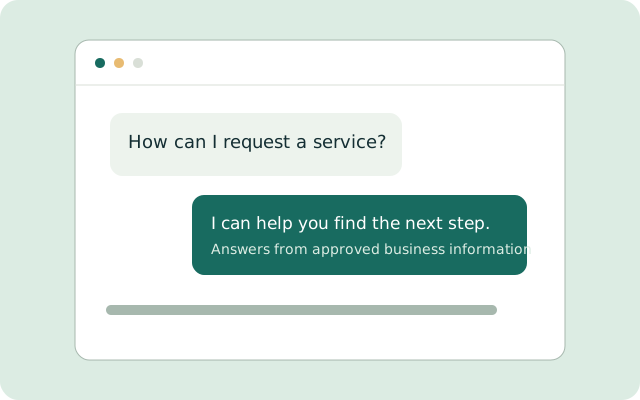 06 / AI-Assisted Customer Replies
AI-Assisted Customer Replies
Use approved business information to help prepare responses to common customer questions and emails. Choose which replies require your review and which may send automatically under agreed rules.
- Draft responses based on your services and approved answers
- Keep human review for questions that need judgment
- Set clear rules for any automatic replies
Compatibility: Requires compatible email or customer communication software. We confirm access, approved content, and review rules before connecting it.
Explore ai-assisted customer replies 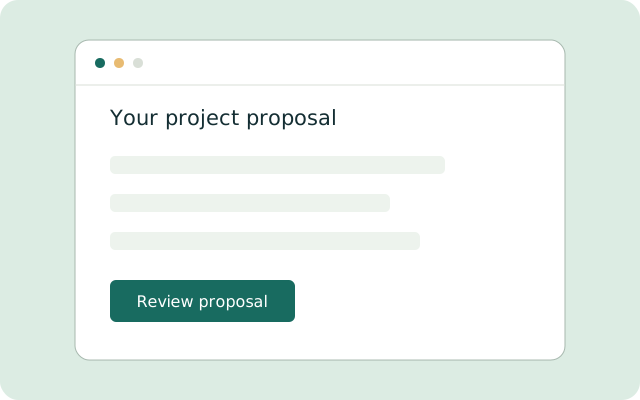 07 / Custom Proposal Forms
Custom Proposal Forms
Customers complete a form with information about their needs, project, or requested services. Using your approved pricing and rules, the system can generate a proposal outlining the scope of work, estimated cost, and next steps.
- Show a proposal immediately, email it, or route it for staff review
- Calculate estimates using your approved pricing and rules
- Flag projects requiring an inspection or additional information
Compatibility: Features depend on compatibility with your website and connected software. Your business approves pricing calculations and proposal terms before launch. The form cannot replace an inspection when one is required.
Explore custom proposal forms